What I did
- 01Designed and implemented a foundational design system.
- 02Researched and designed the assistant experience across web, Microsoft Teams and email.
- 03Redesigned the existing platform, integrating the design system into the front-end stack.
(01)
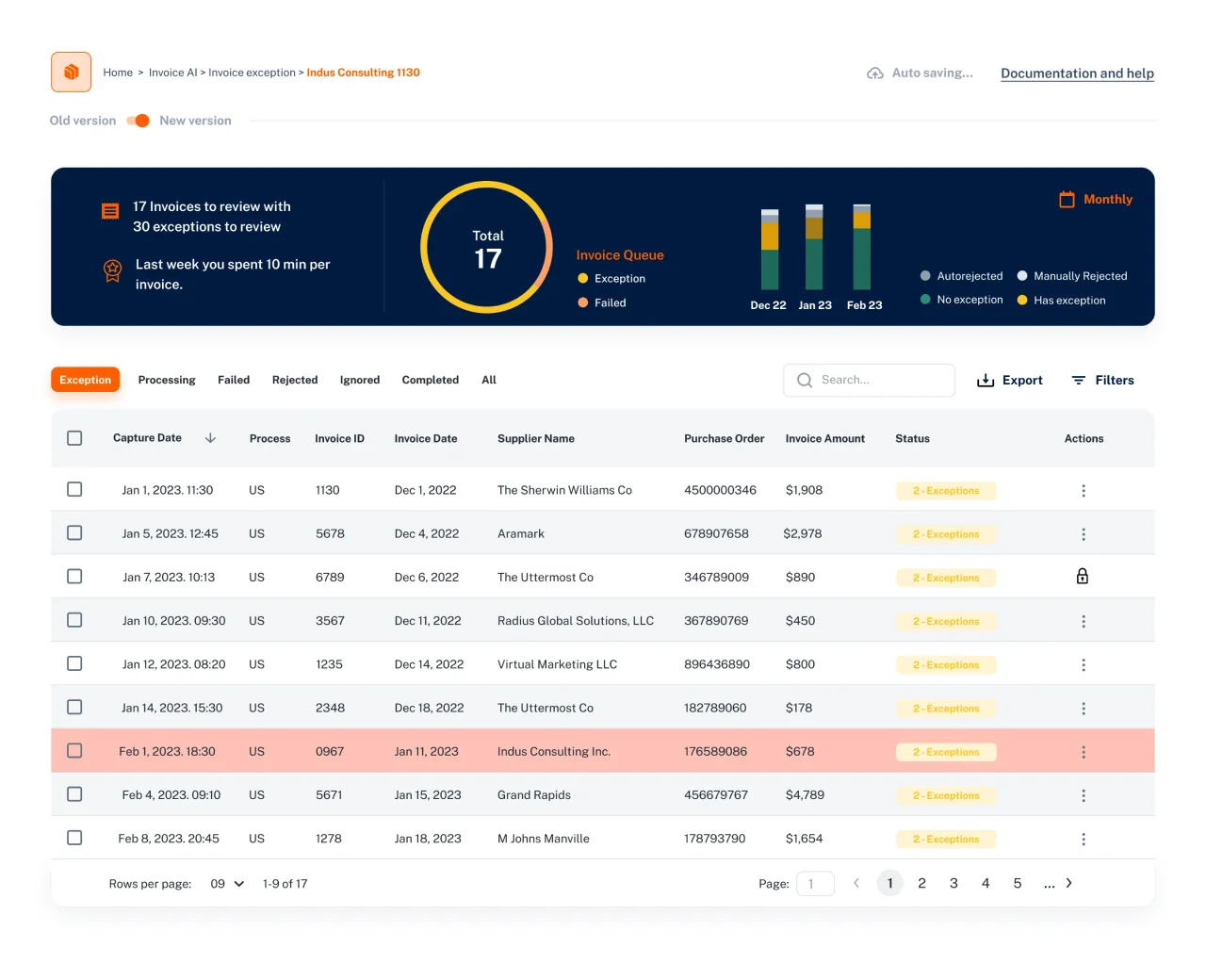
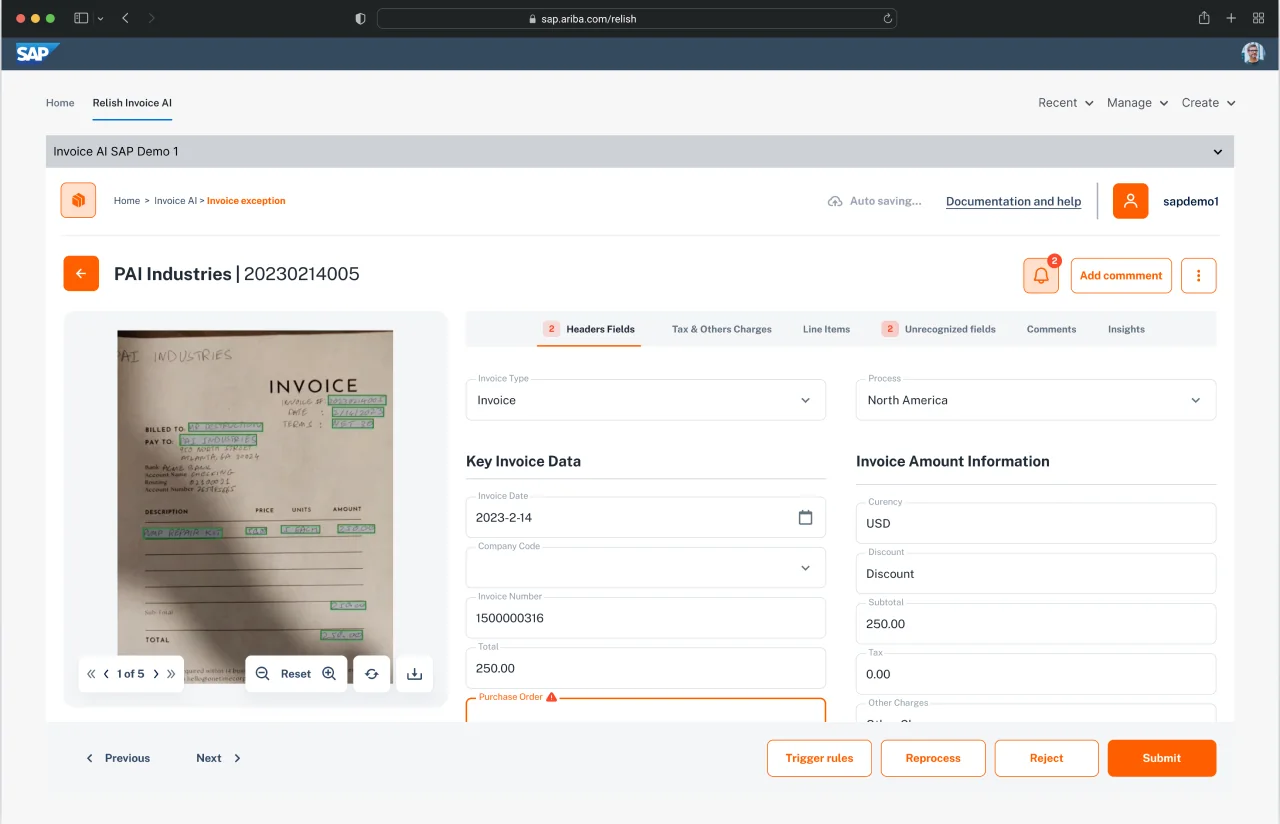
Experience refresh + design system
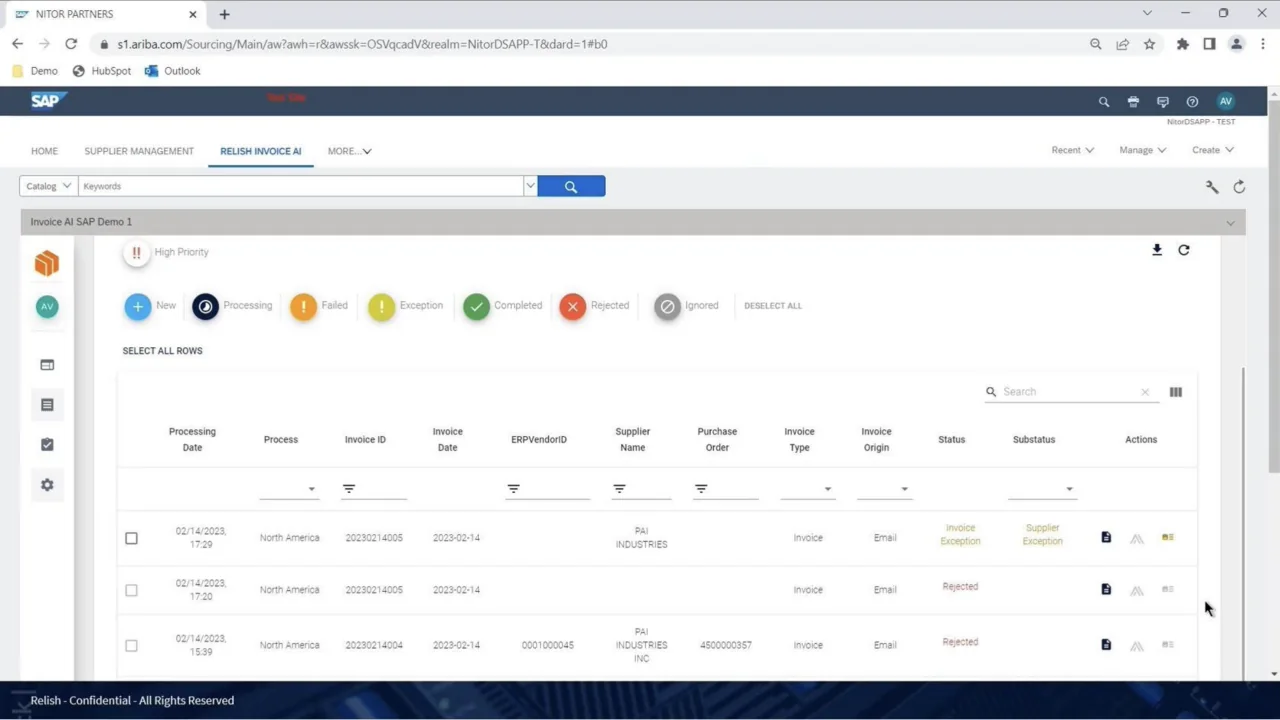
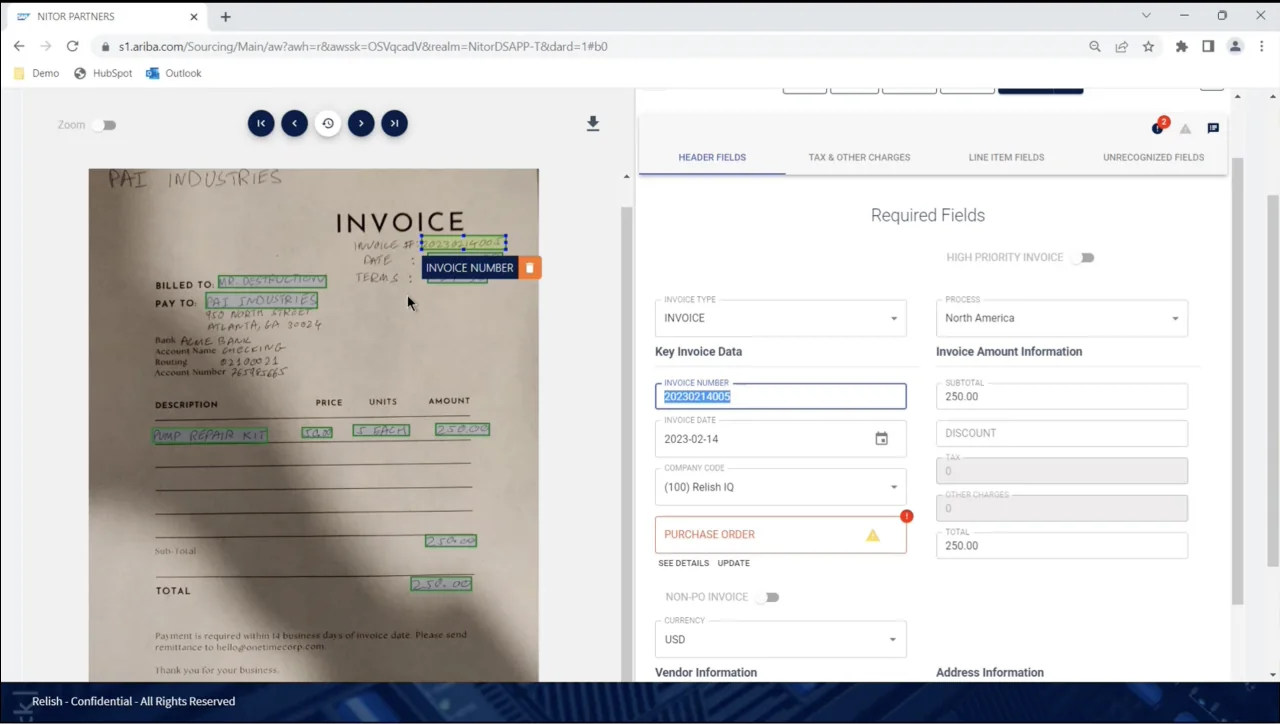
The refreshed UI is built on a tokenized design system. It increases information density and brings visibility to system status.
(02)
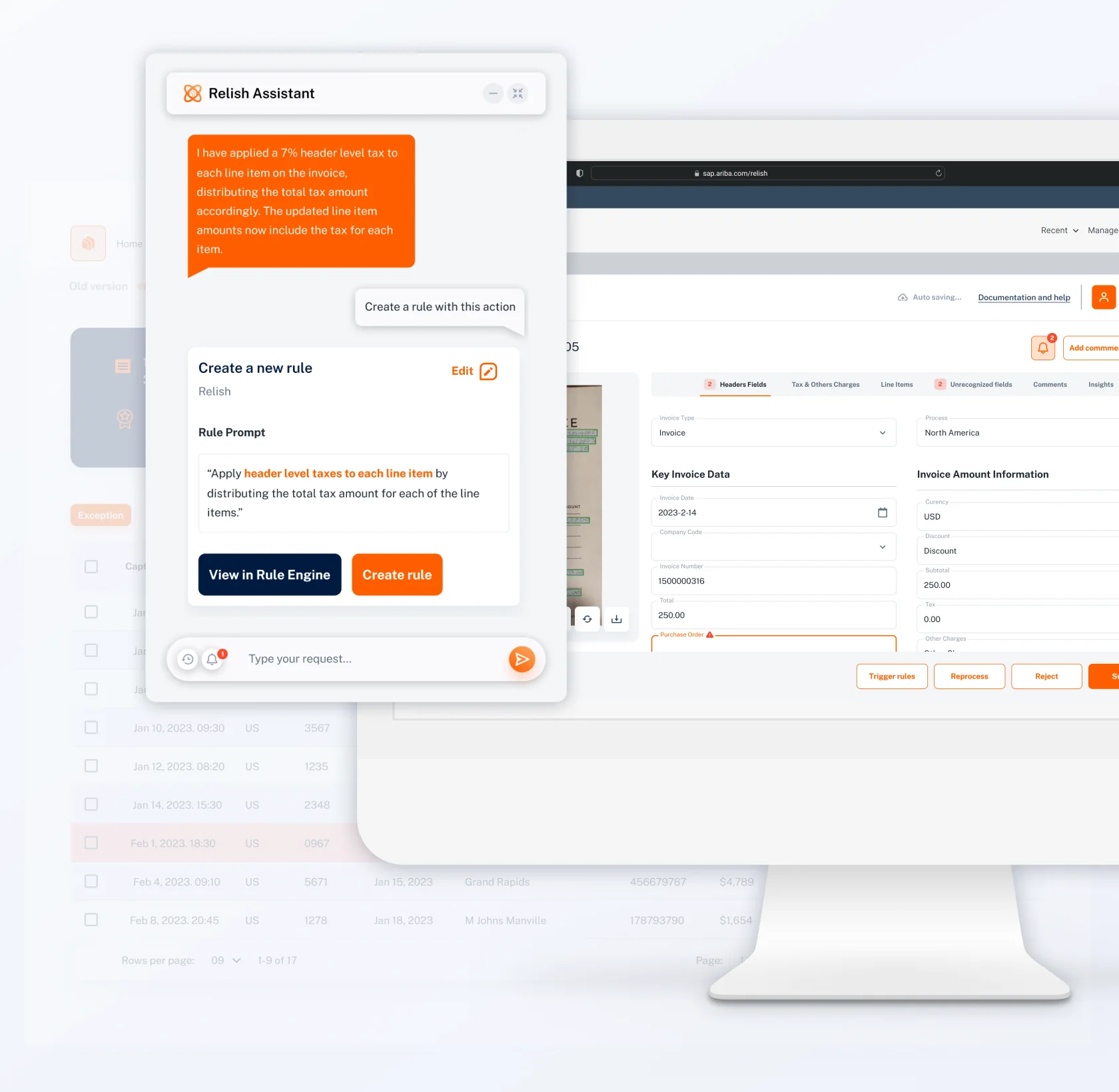
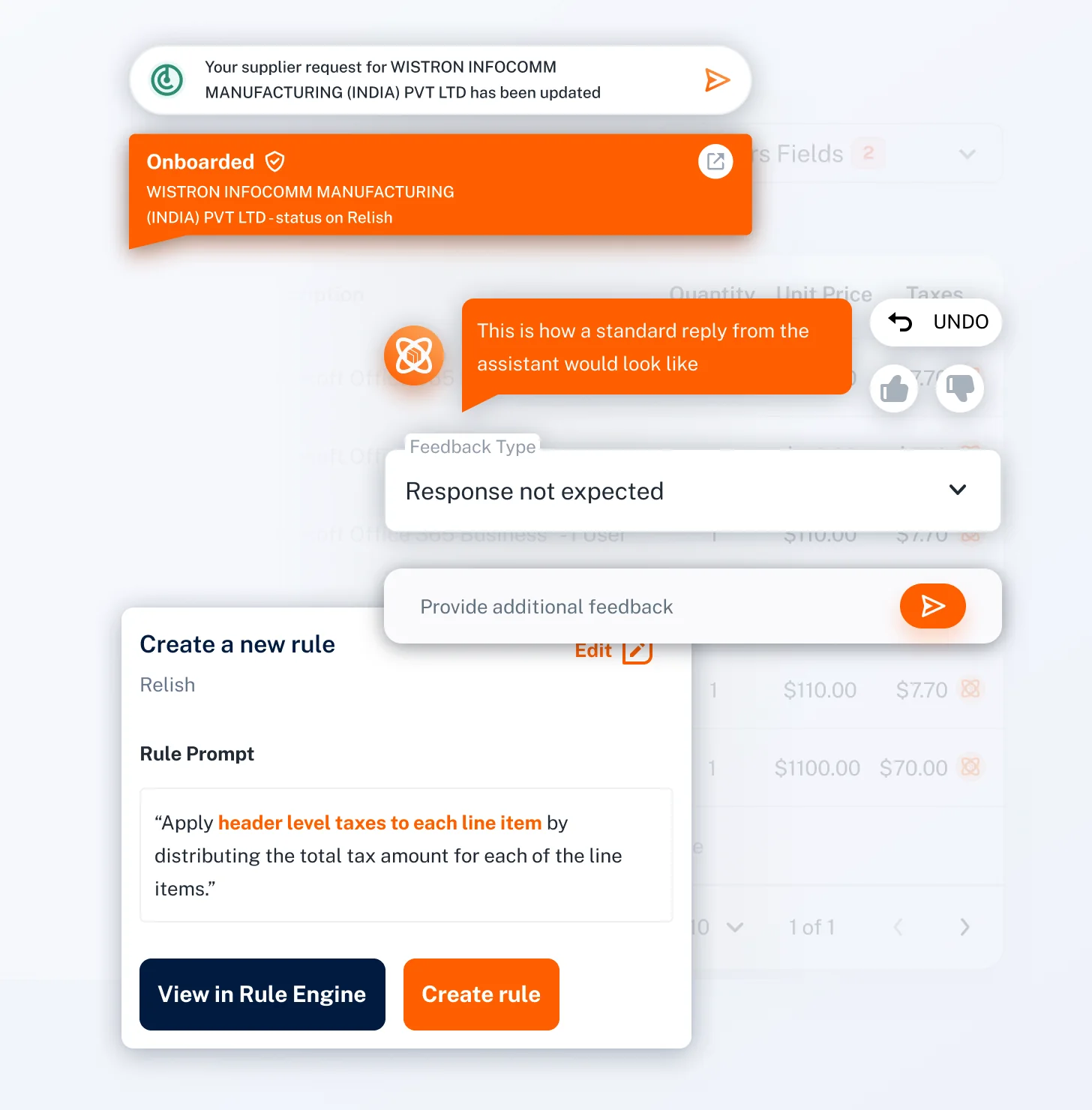
Relish Assistant
Relish Assistant lets procurement clerks manipulate invoice data in natural language, and gives everyone in large organizations access to knowledge bases and the status of procurement operations.
- Research on LLM assistant UX.
- Wrote scripts and Figma prototypes to validate with customers.
- Designed assistant-specific components and their interaction with the redesigned UI.
- Researched the Microsoft Teams integration and wrote the installation and onboarding guides.
(03)
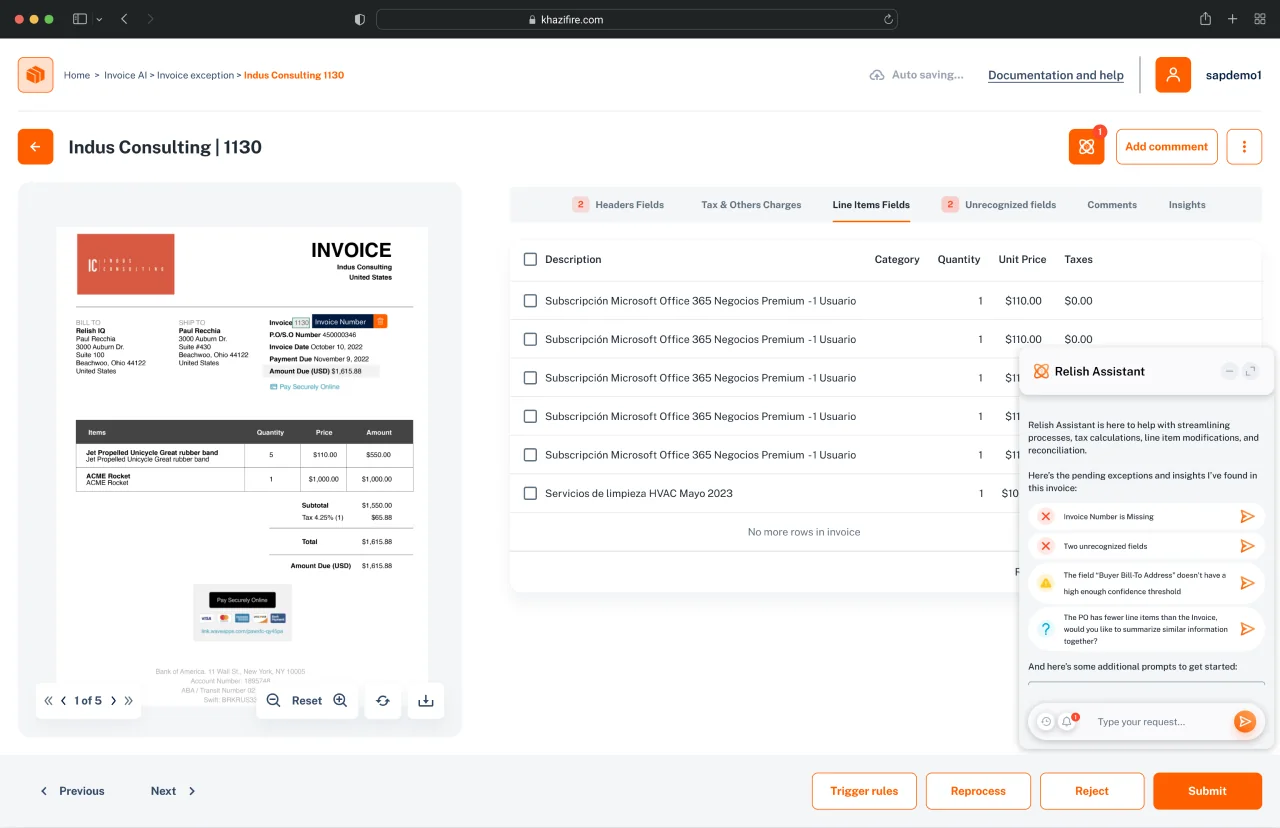
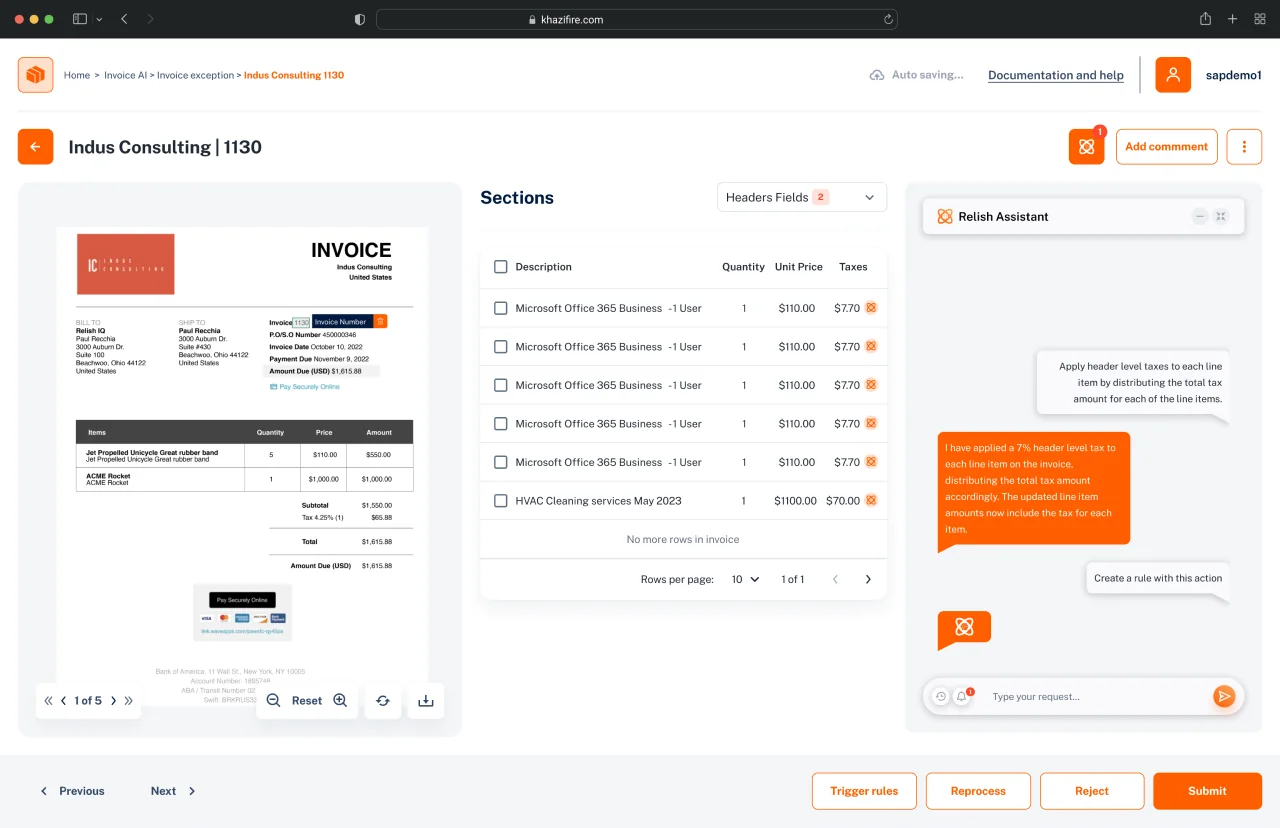
Explorations & validation
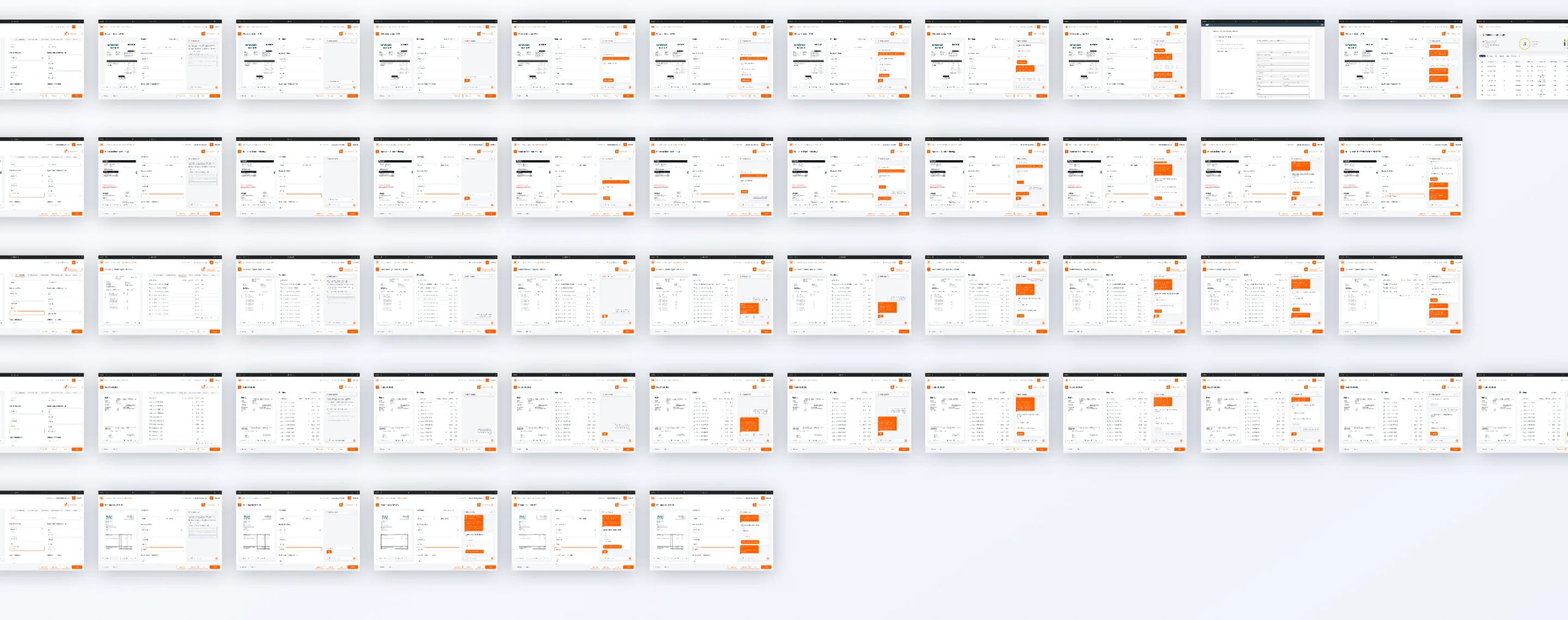
Explorations of how data should interact with the assistant pane. Tests with customers later validated the design decisions.
(04)
Use cases
I designed several use cases to explore the interactions possible through the assistant — how to display data in card components, plus audit components and feedback modules.
Say hola — rodjcano@gmail.com
Have a project, a question or just want to talk design? Write me.
- rodjcano@gmail.com
- linkedin.com/in/rodjcano